by Audrey Edart | Jan 16, 2026
Invite your customers to select their preferences from among your various products
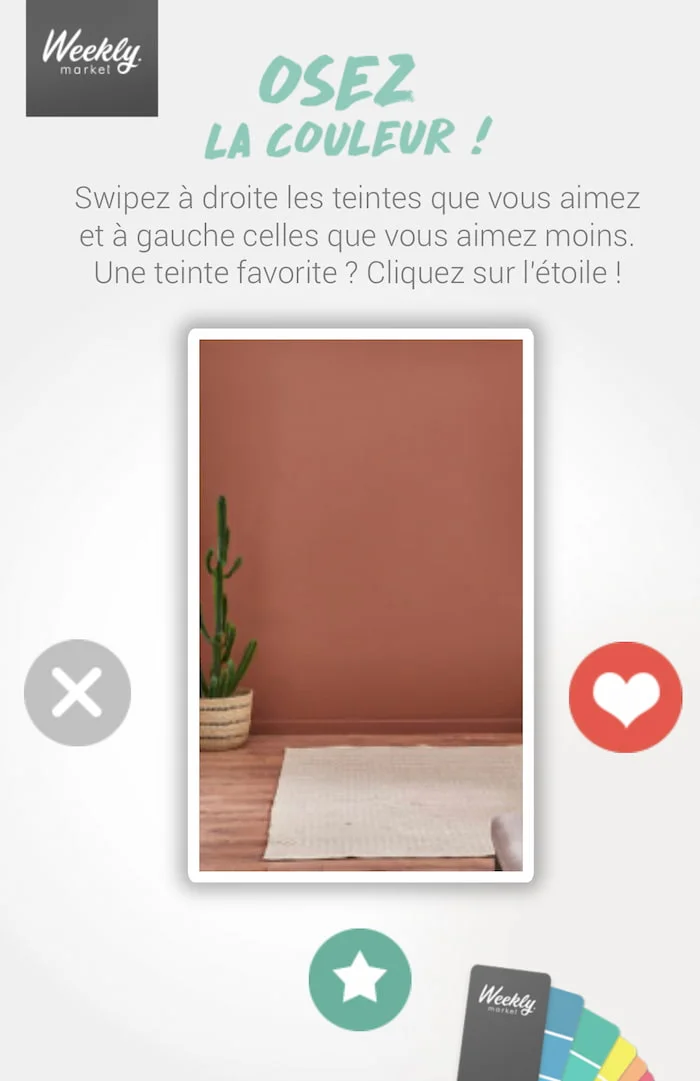
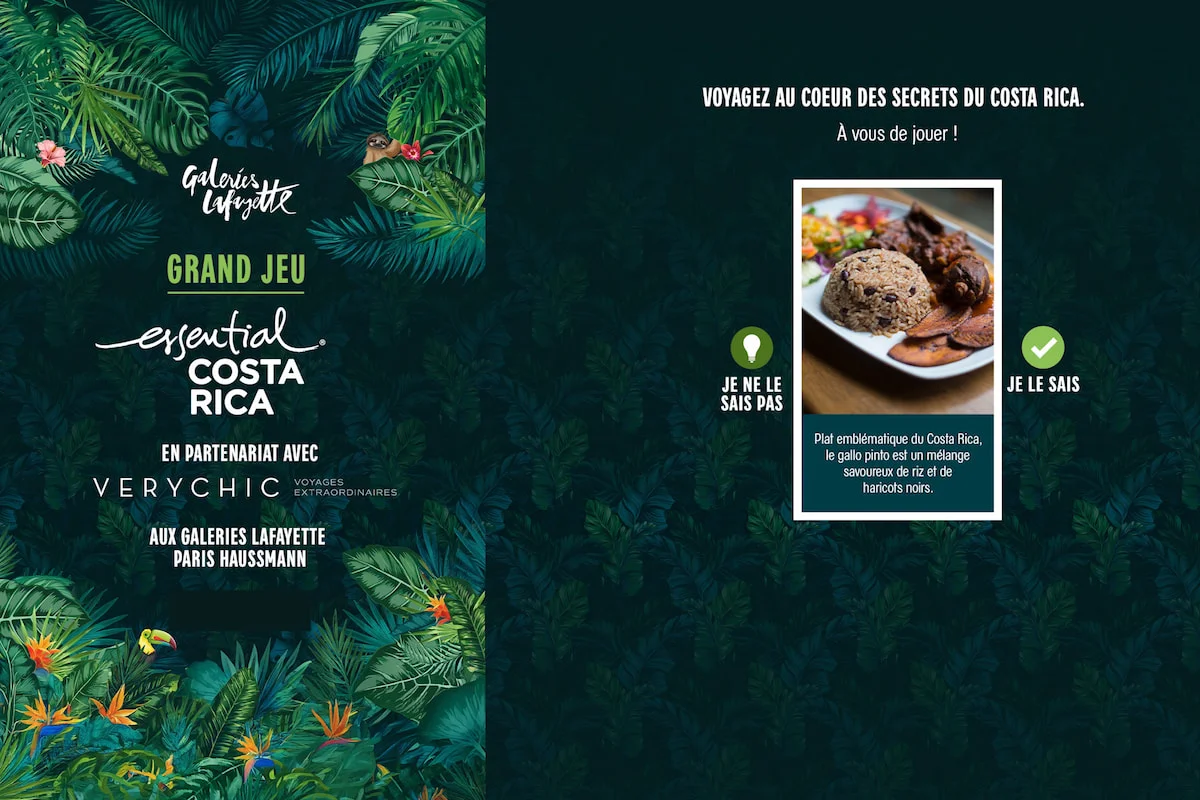
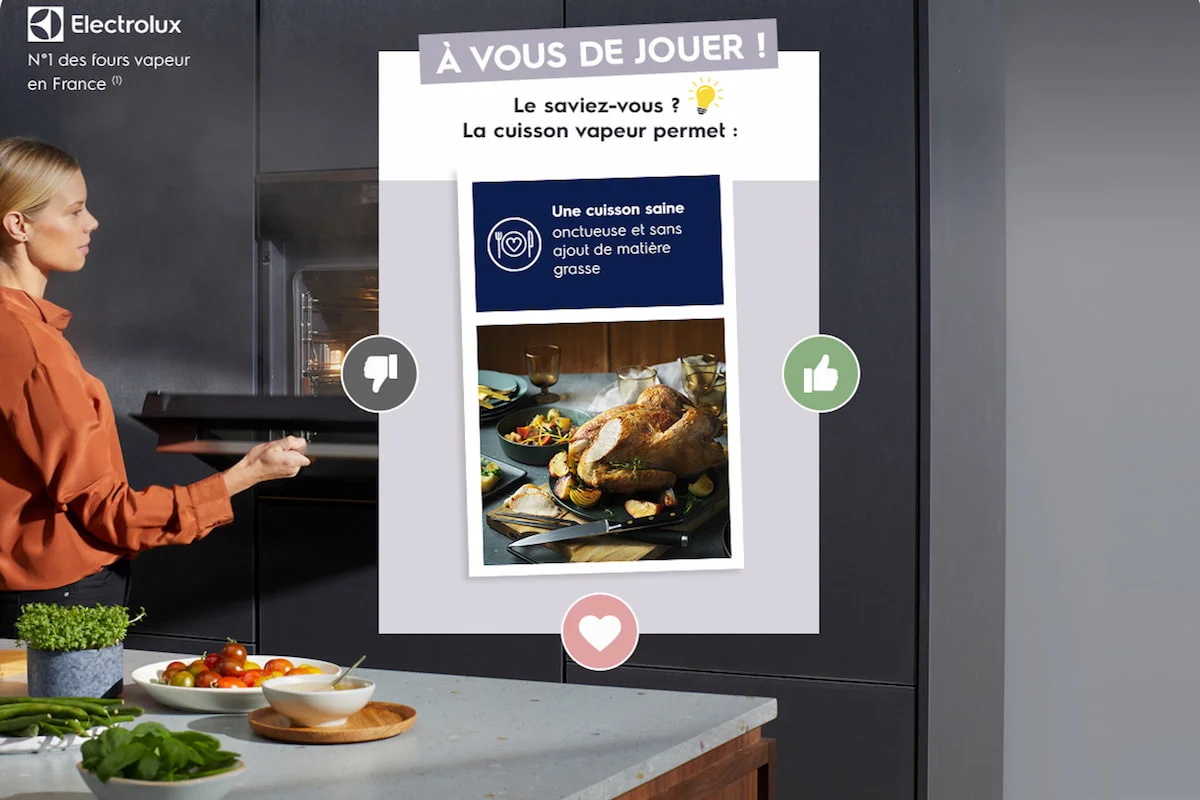
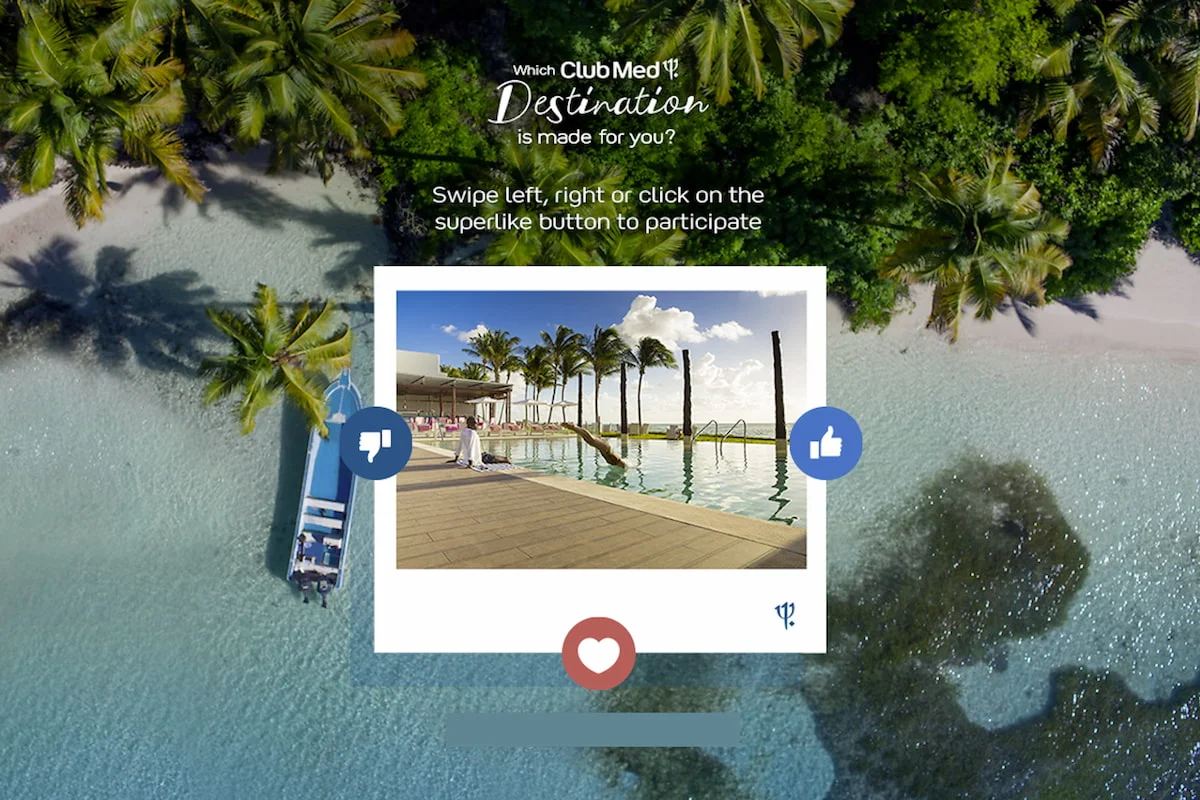
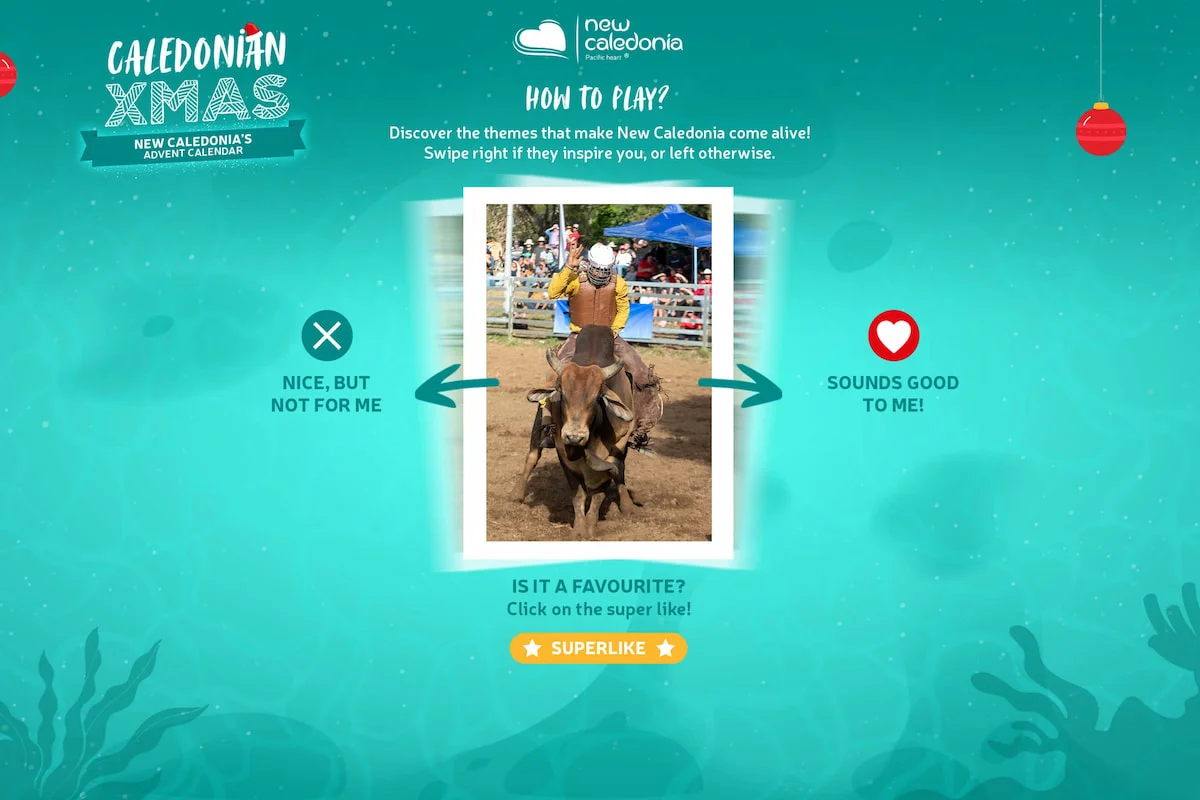
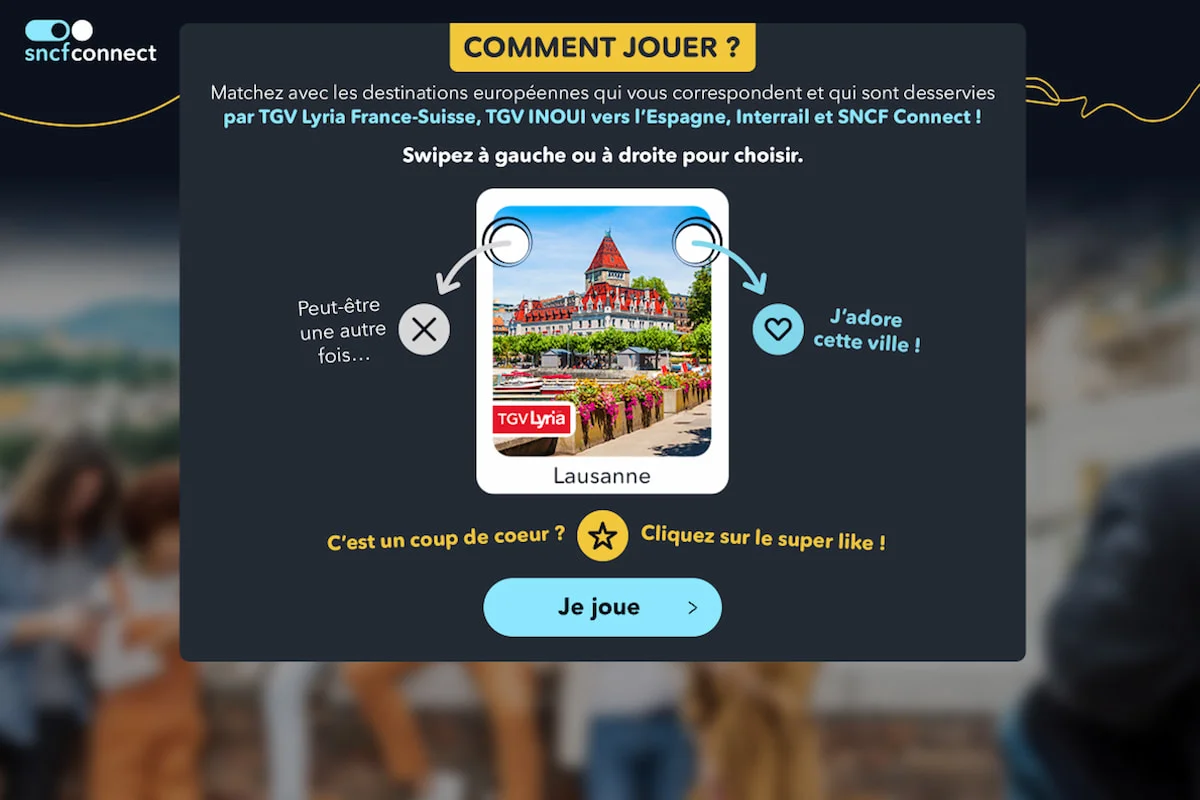
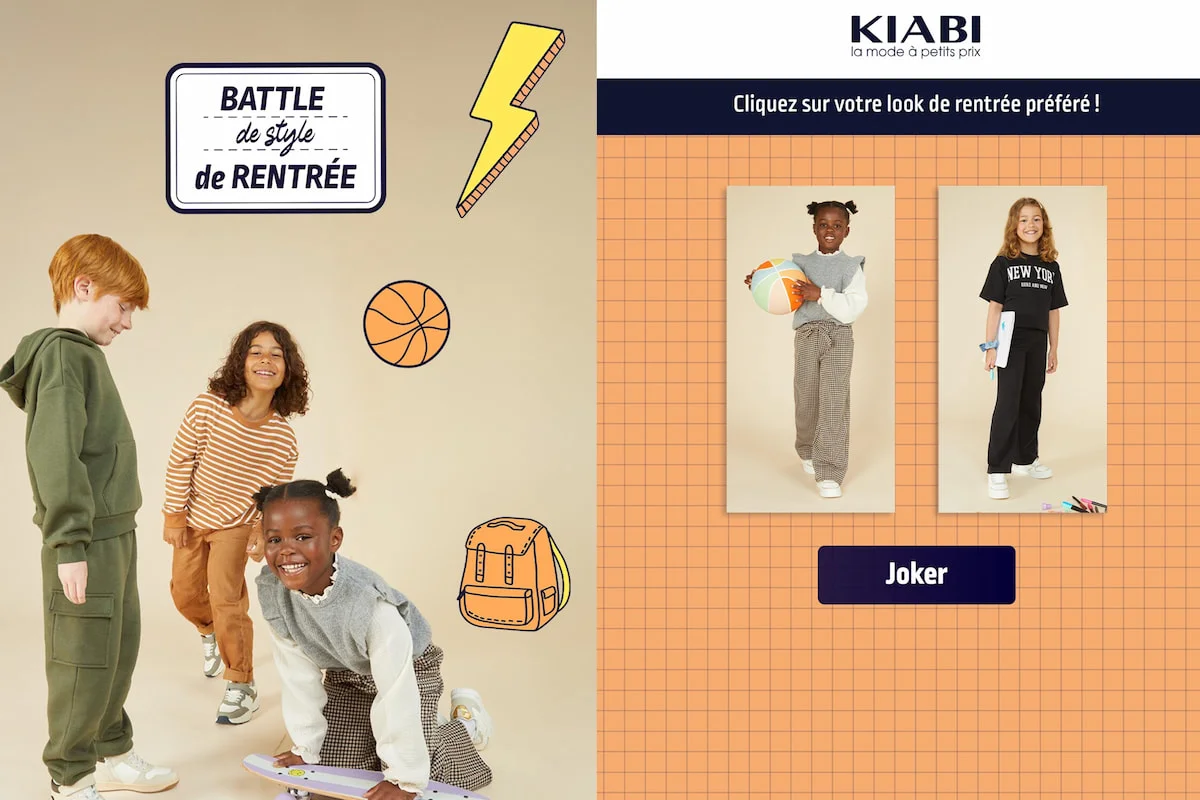
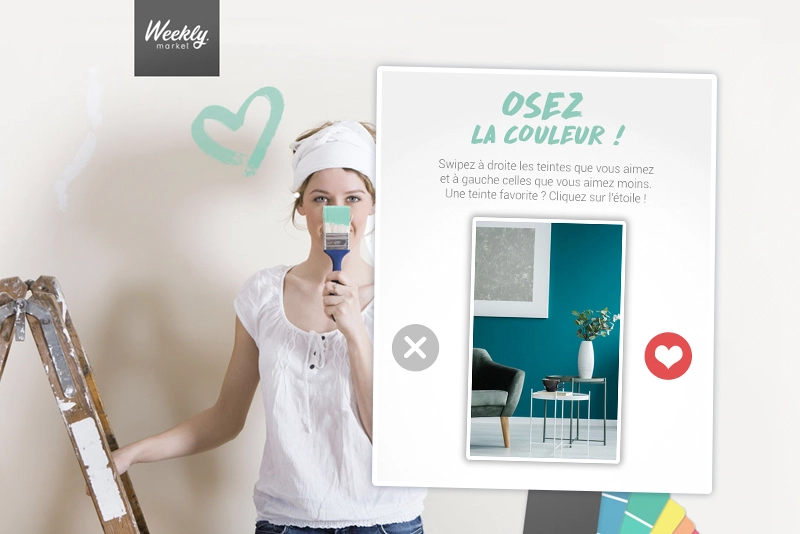
The Swiper module is an innovative solution for collecting feedback from your community in a simple, dynamic way. This functionality uses the “swipe” mechanism, popularized by the Tinder application, to enable users to give their opinion on your brand, products, commercial offers or services.
Why launch a Swiper
- Mobile first experience
- Data collection
- Ultra fast engagement
The Swiper module is an innovative solution for collecting feedback from your community in a simple, dynamic way. This functionality uses the “swipe” mechanism, popularized by the Tinder application, to enable users to give their opinion on your brand, products, commercial offers or services.
Why launch a Swiper?
- Mobile first experience: instinctive gestures (swipe left/right) perfectly adapted to smartphones
- Data collection: a powerful tool to gauge your audience’s tastes and gather valuable data on product preferences
- Ultra fast engagement: a simple mechanic that multiplies the number of votes and naturally extends the time spent on your campaign
Advanced customization
Adapt the mechanics to your needs for a unique experience
Game settings
- Extended voting options: integrate features like the “Super Like” or the “Joker” to nuance user choices and boost the journey
- Profiling: configure the cards to alternate between products, questions, and visuals
- Instant feedback: display global statistics at the end of the game
Visual personalization
- Customization of card design, voting icons (hearts, thumbs, logos), and the background according to your brand guidelines
- Bespoke interface: adapt button aesthetics and transition animations
Test the mobile version
of the game by scanning
the QR code
3
When offering visuals to your users, you can ask them to like or dislike them by simply swiping left or right.
What’s more, you can reinforce their choice by offering options such as “Super Like” or “Joker”. This mechanism is particularly well-suited to “mobile-first” campaigns, as it can be accessed anytime and anywhere the user has a smartphone.
By personalizing the visuals, you can adapt the mechanics to your brand universe and maximize your users’ engagement by increasing the time spent on your campaign and the number of votes. Thanks to this game mechanic, you can gather information on your users’ preferences and use this data to adapt your marketing strategy accordingly.
More than 200 brands trust us
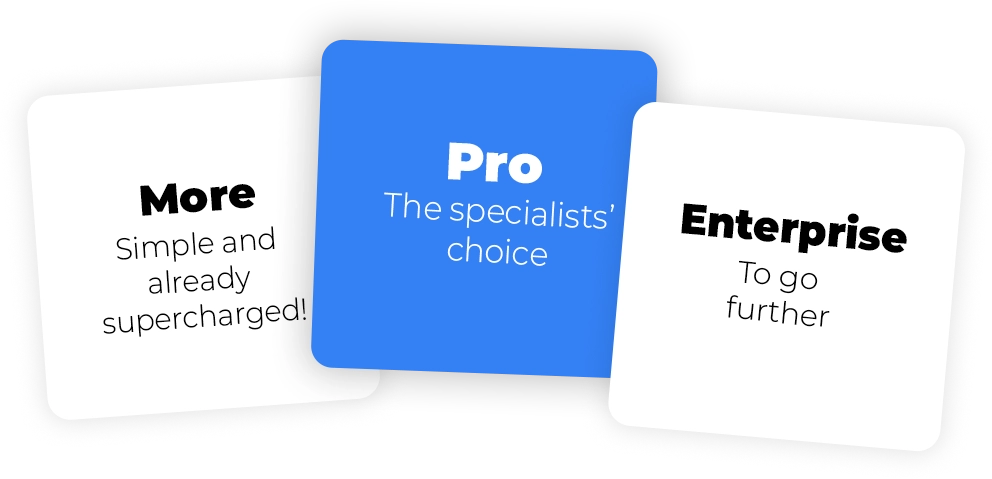
Flexible plans
tailored to your needs
Whether you are a beginner or an interactive marketing specialist, our range of prices will meet your marketing objectives.
by Audrey Edart | Mar 20, 2023
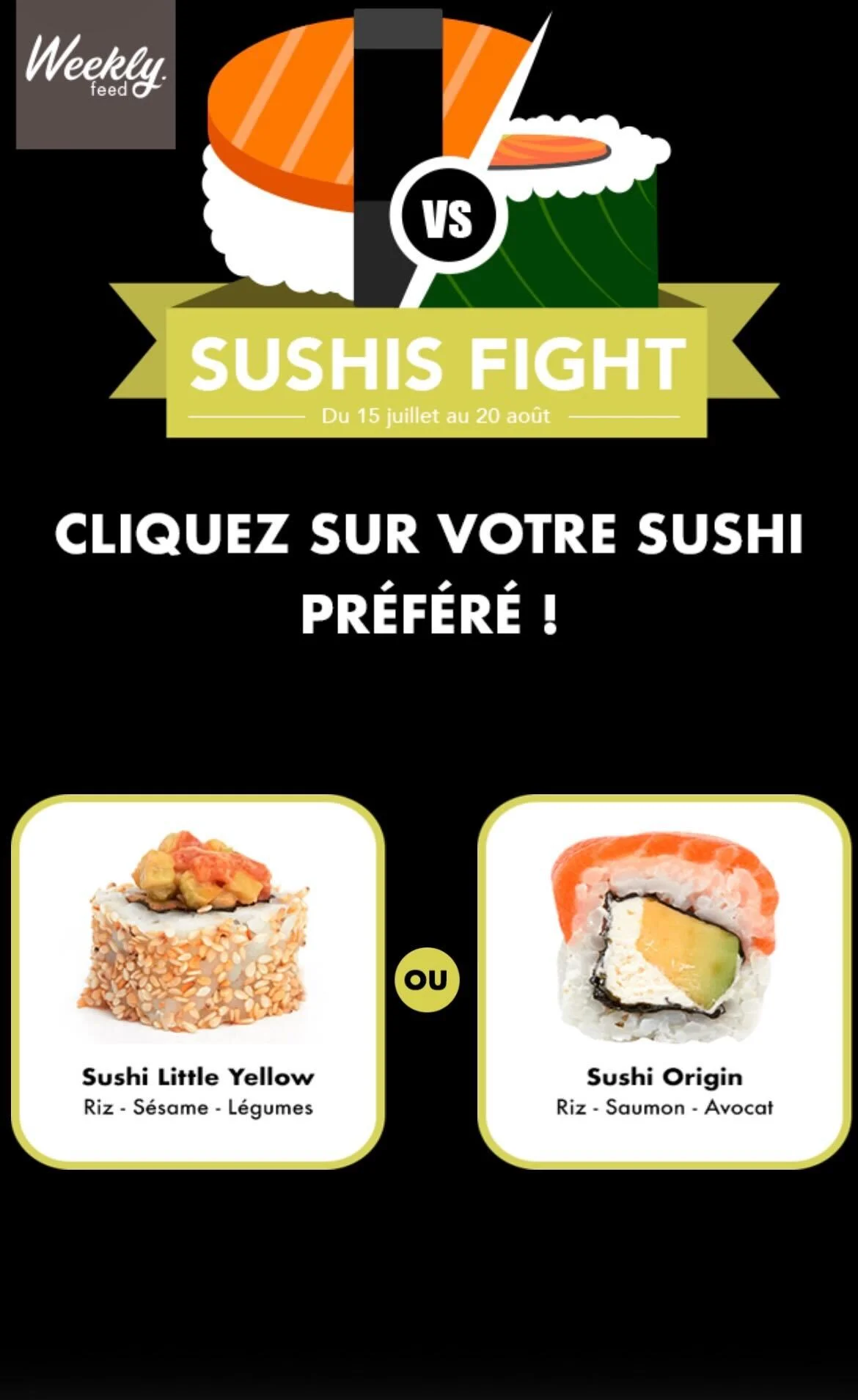
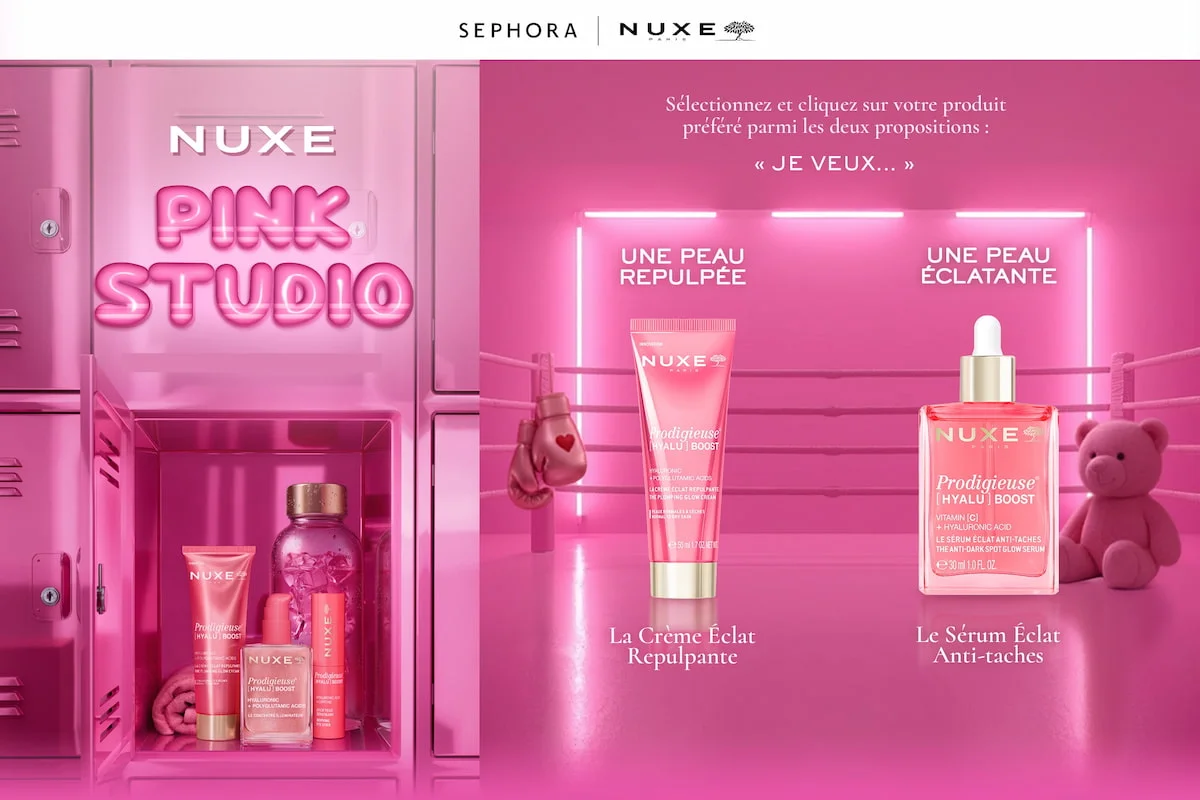
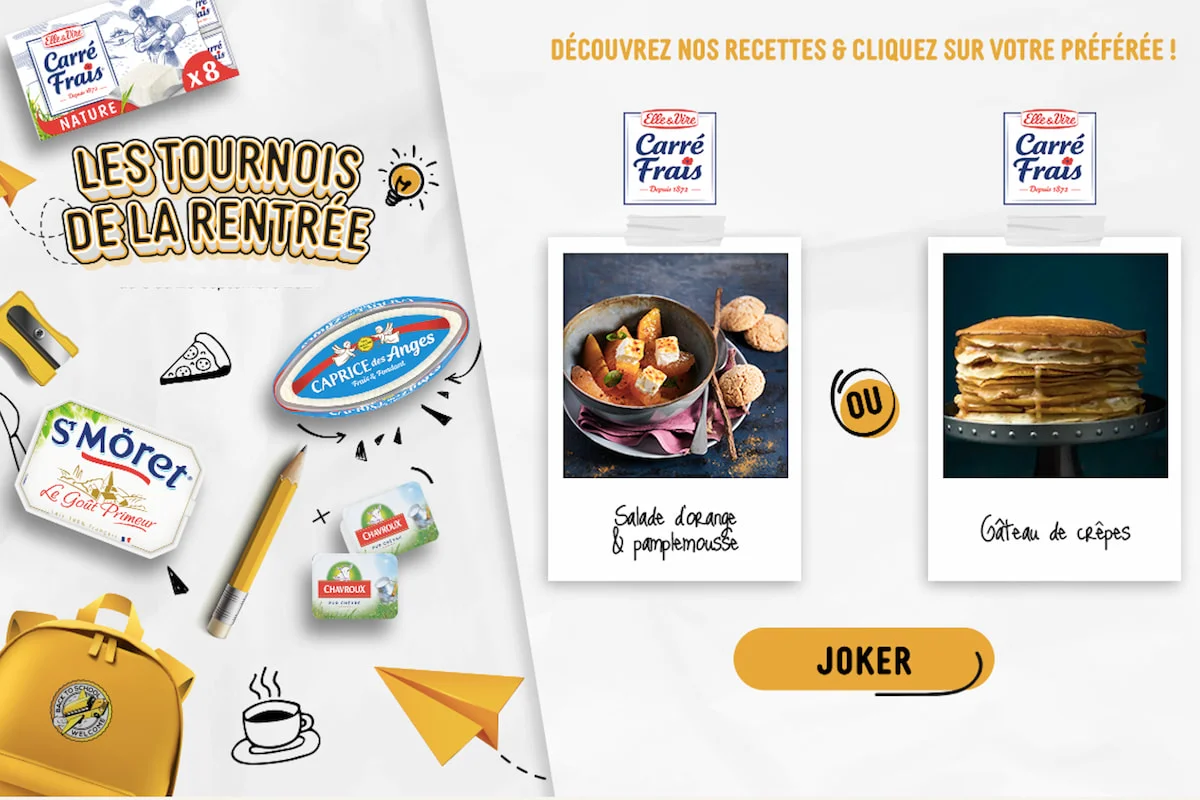
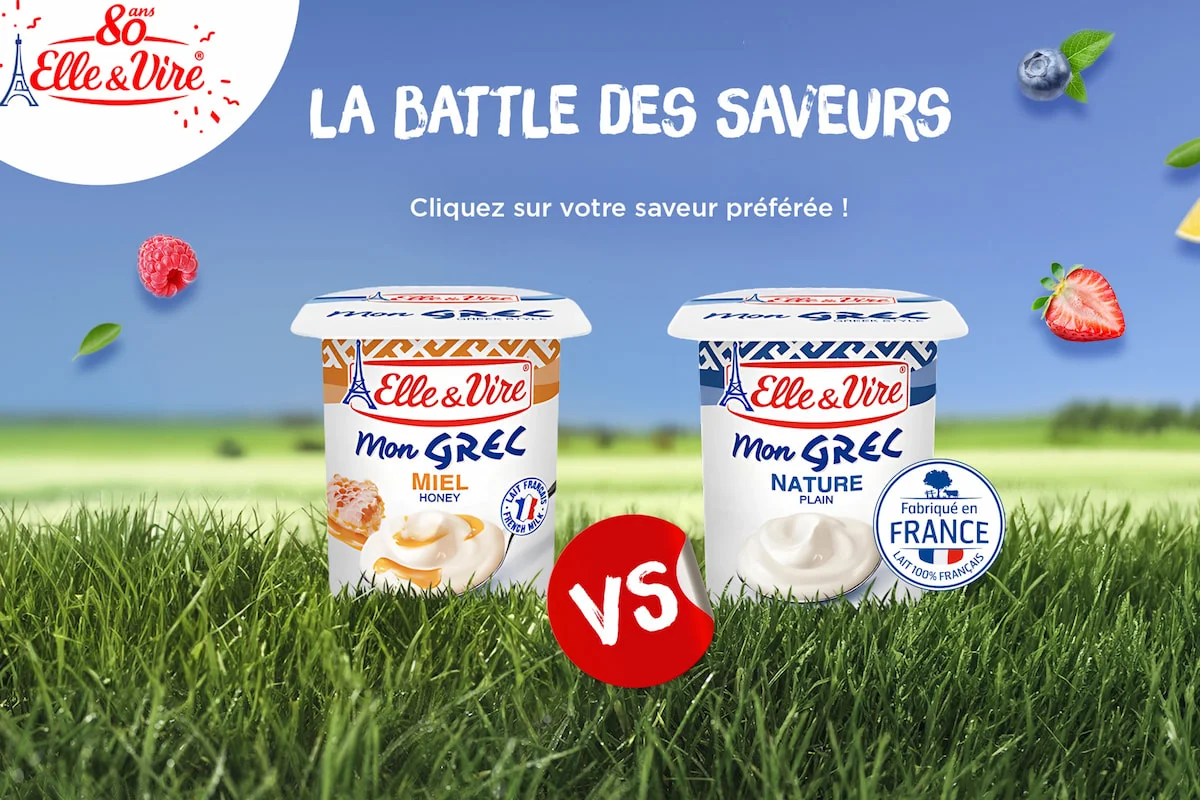
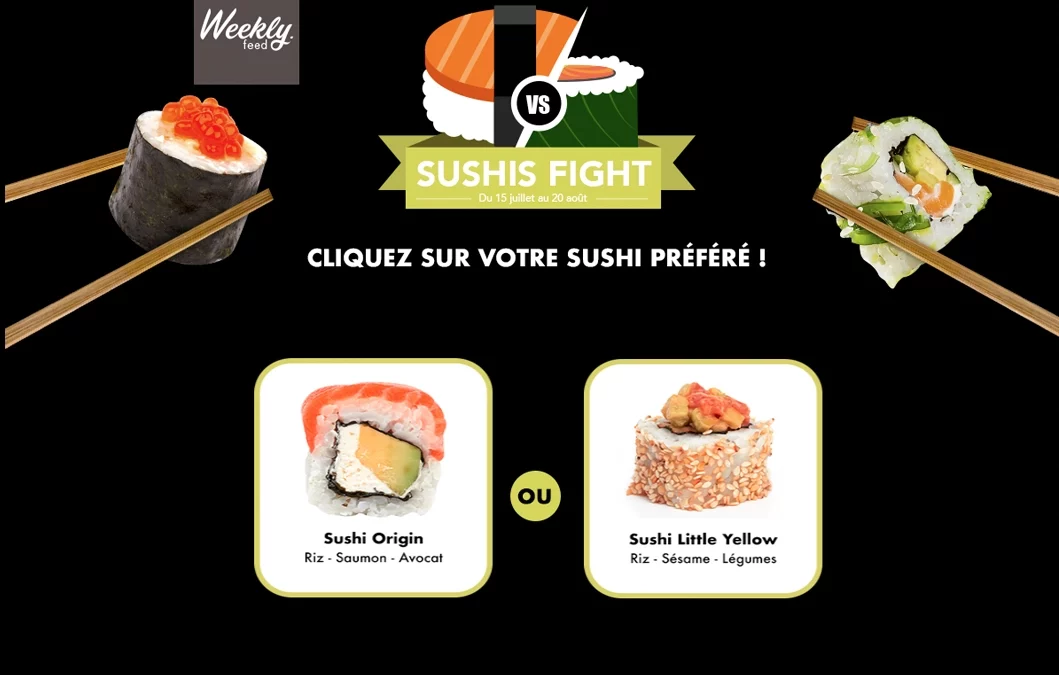
Choose between two products or services to conduct a survey
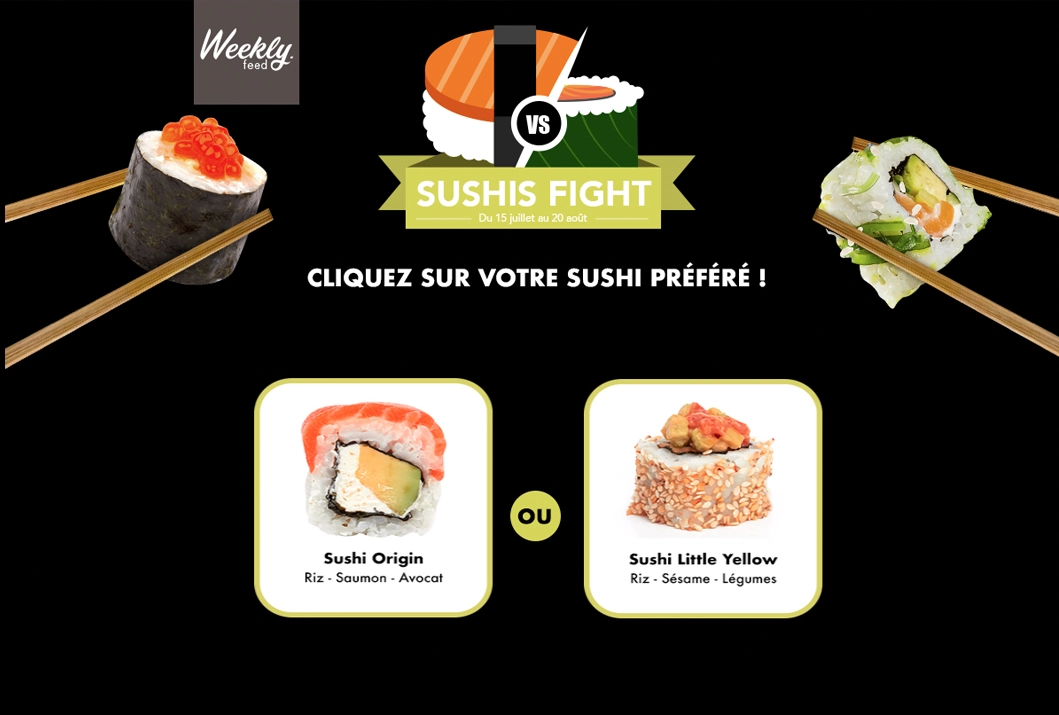
Transform your surveys into an addictive experience by pitting your products against each other in captivating visual duels. It is the ideal tool to engage your community while gathering high quality data on their real preferences.
Why launch a Battle
- Market research
- CRM qualification
- Decision support
Transform your surveys into an addictive experience by pitting your products against each other in captivating visual duels. It is the ideal tool to engage your community while gathering high quality data on their real preferences.
Why launch a Tiny Wings?
- Market research: instantly identify your audience’s favorite products through simple and addictive image duels.
- CRM qualification: segment your database by linking each participant to their favorite products.
- Decision support: test your future launches or current collections through voting.
Advanced customization
Adapt the mechanics to your needs for a unique experience
Game settings
- Duel sequence: define the number of successive battles
- Winning mechanic: set up the prize draw among participants
- Preference analysis: Track voting statistics in real time
Visual personalization
- Product presentation: Integrate your own photos or service visuals to create duels 100% consistent with your offering
- Voting interface: Customize the graphic design of the duel page and selection buttons for a seamless brand experience
Test the mobile version
of the game by scanning
the QR code
3
Reward your users by drawing lots among all participants at the end of the game. This
survey mechanism is ideal for recruiting and retaining your database.
If you’d like to find out more about your users’ preferences for your range of products or services, it’s easy! All you have to do is propose a battle between two images (of your choice). The user selects his preference and moves on to the next battle. Battles follow one another, culminating in a final campaign page. The player is then entered into a draw for a chance to win a prize! Ideal for gathering qualified data on your products, this mechanism offers numerous marketing advantages.
More than 200 brands trust us
Flexible plans
tailored to your needs
Whether you are a beginner or an interactive marketing specialist, our range of prices will meet your marketing objectives.
by Audrey Edart | Mar 17, 2023
Become your clients’ personal coach
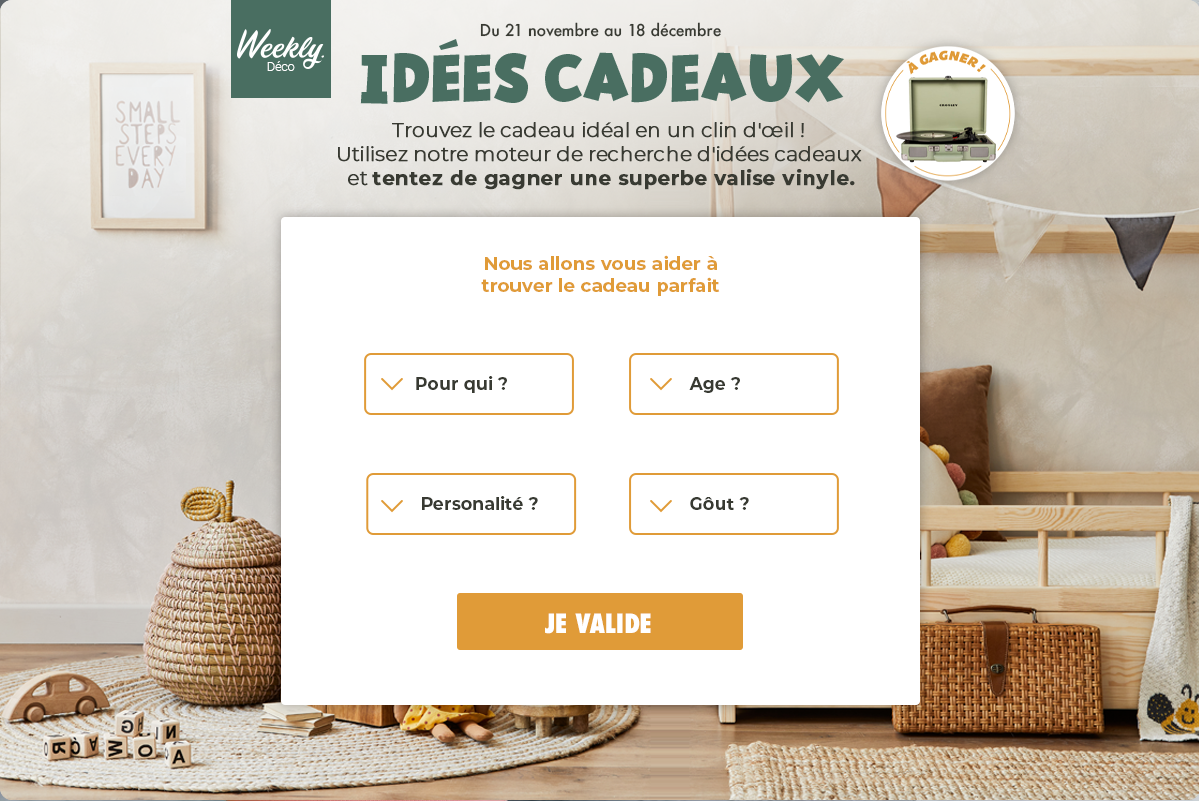
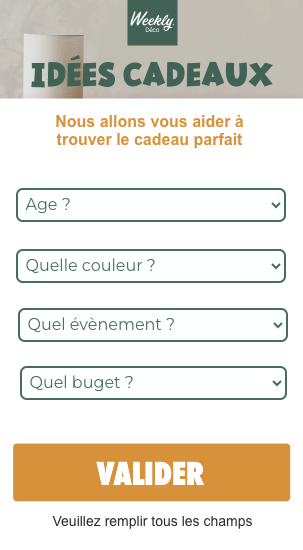
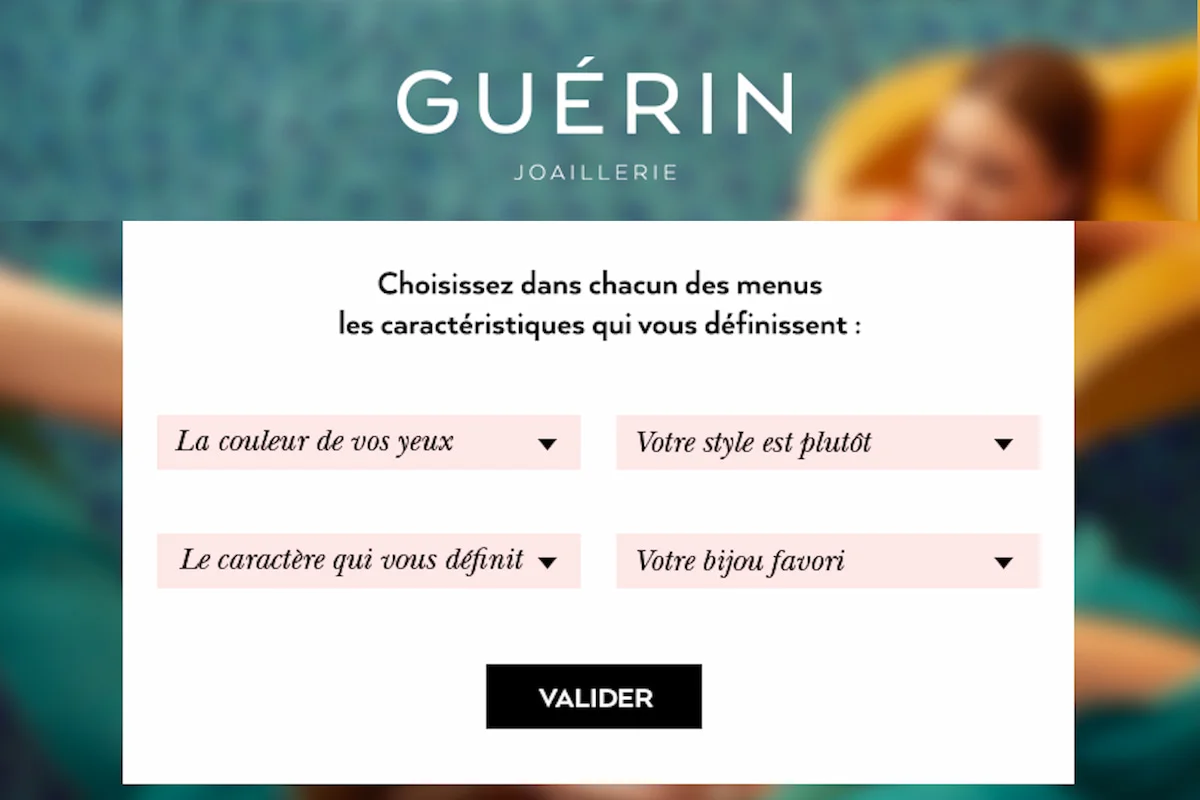
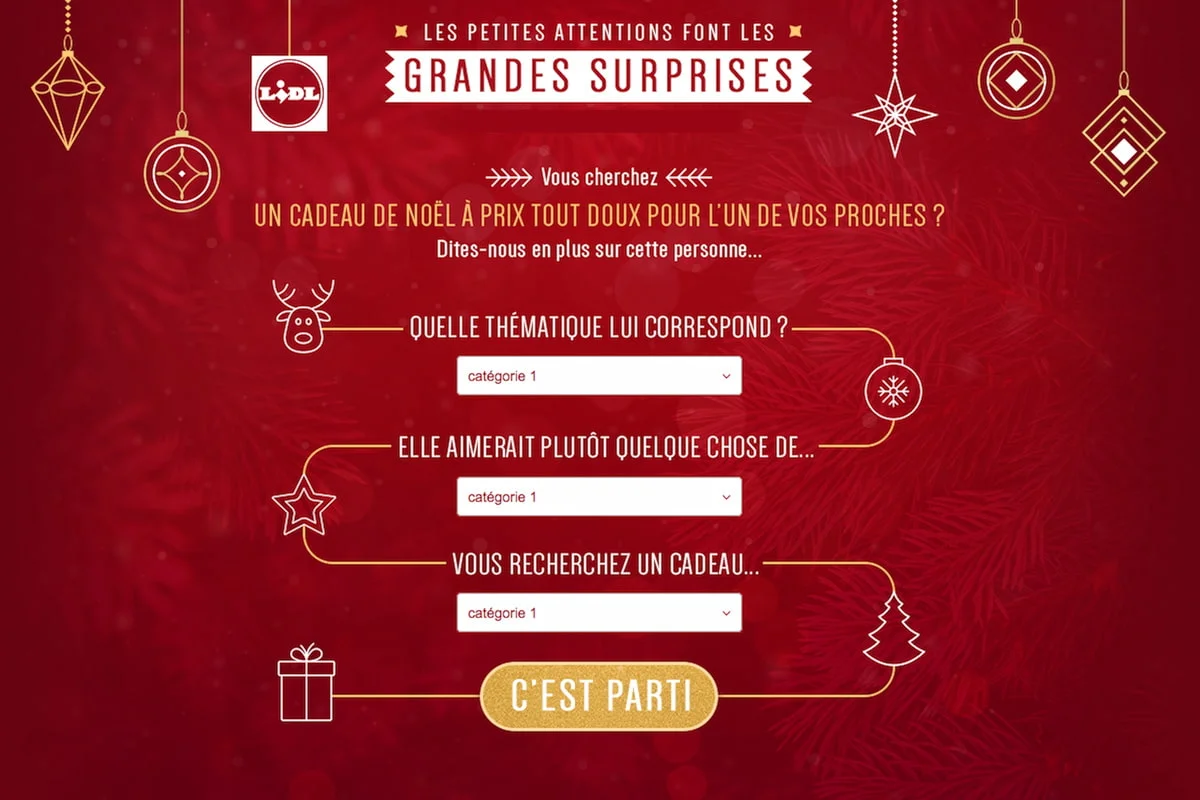
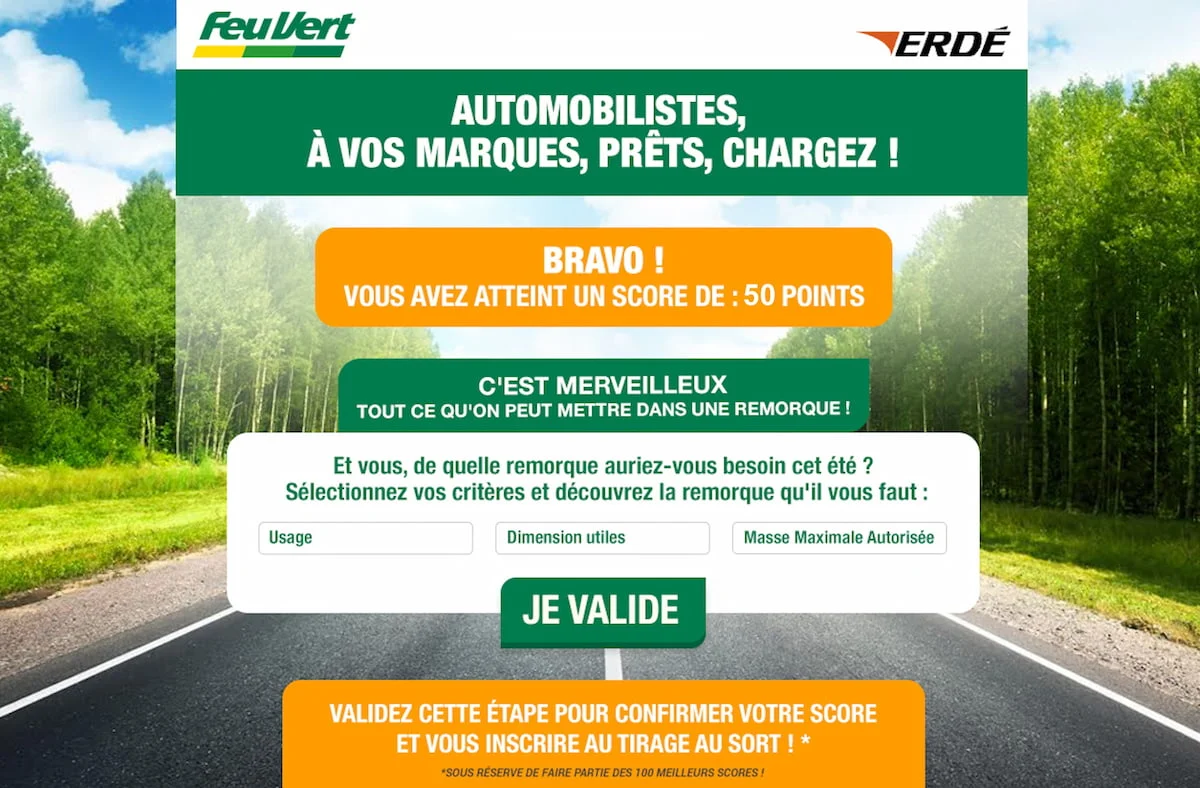
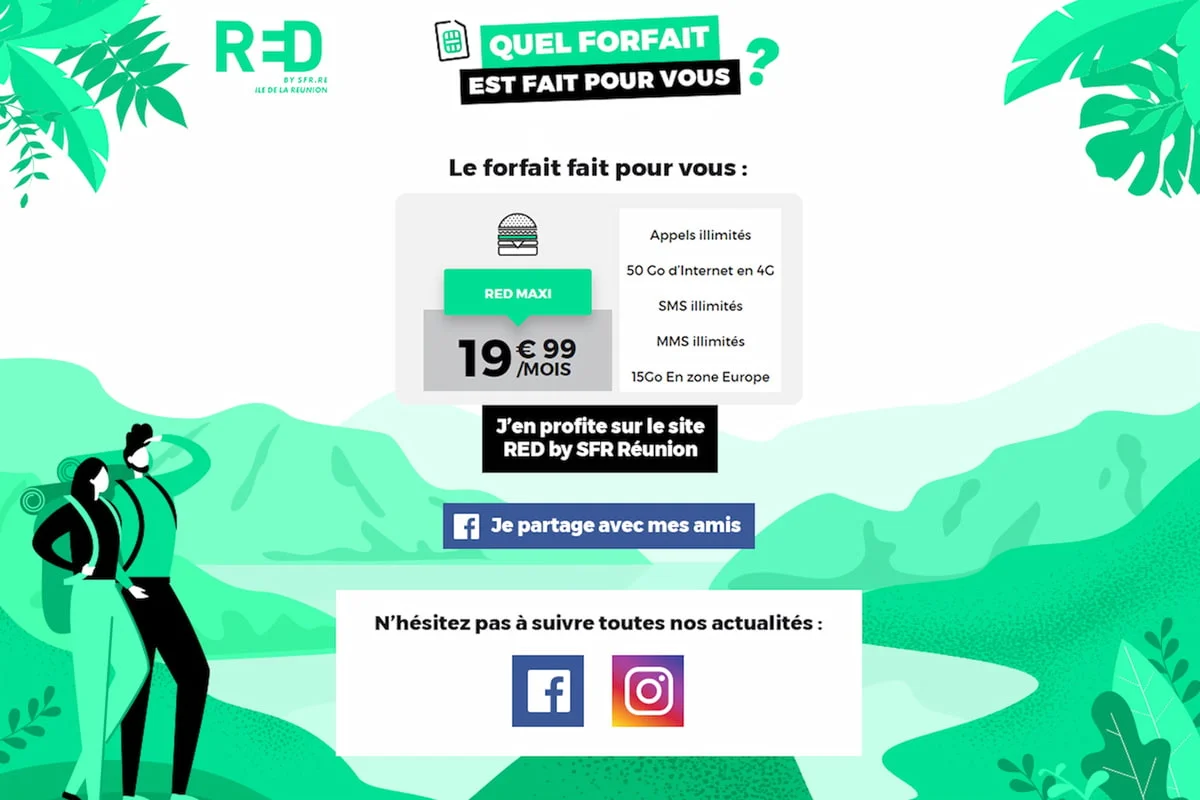
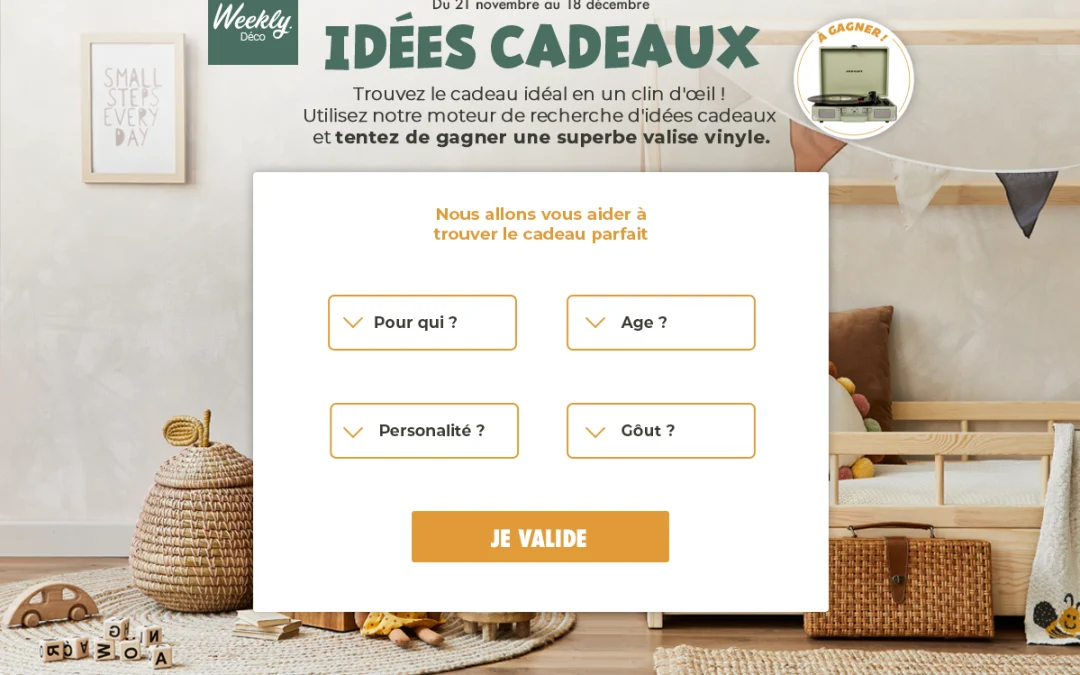
The Gift Finder is a powerful decision-making tool that simplifies the customer journey. By selecting a few criteria via dropdown menus, your users receive a highly personalized recommendation. It is the perfect mechanic to transform indecision into a purchase.
Why launch a Gift Finder
- Gathering valuable insights
- Conversion boost
- Premium user experience
The Gift Finder is a powerful decision-making tool that simplifies the customer journey. By selecting a few criteria via dropdown menus, your users receive a highly personalized recommendation. It is the perfect mechanic to transform indecision into a purchase.
Why launch a Gift Finder?
- Gathering valuable insights: on your prospects’ needs and preferences through their choice of criteria
- Conversion boost: shorten the sales cycle by directing the user straight to the product that fits them best
- Premium user experience: offer an interactive consulting service that improves customer satisfaction and the visibility of your catalog
Advanced customization
Adapt the mechanics to your needs for a unique experience
Game settings
- Advanced recommendation logic: manage up to 5 categories of criteria and 100 different choices to refine the selection
- “Weighting” system: influence the probability of certain products appearing to highlight your new arrivals or priority stock
Visual personalization
- Custom interface: personalize the style of the dropdown menus
- Dynamic display: show up to 3 recommendations on the results page
Test the mobile version
of the game by scanning
the QR code
3
A formidable marketing assistant for your e-commerce: the Gift Finder is much more than a simple questionnaire:
it is a sales engine. By importing data via CSV files, you can synchronize your offerings and provide relevant results in just a few clicks. By customizing the results page with variables like
%giftsFinder_article1_url%, you create a direct bridge to your online store. It is the indispensable tool for holiday seasons, complex range launches, or simply to humanize product recommendations on your digital platform.
By using Gift Finder, you can offer your customers and prospects a personalized user experience. You make it quick and easy for them to find the products and services that best match their needs and preferences. What’s more, by displaying relevant products or services, you increase the chances of conversion and customer loyalty.
Gift Finder campaigns examples
More than 200 brands trust us
Flexible plans
tailored to your needs
Whether you are a beginner or an interactive marketing specialist, our range of prices will meet your marketing objectives.