by Audrey Edart | Jan 16, 2026
A fast-paced instant win format to activate audiences and generate qualified leads
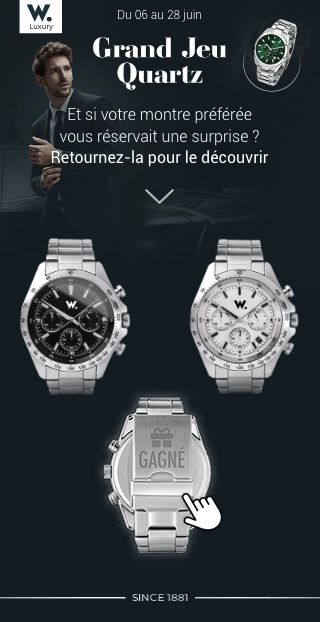
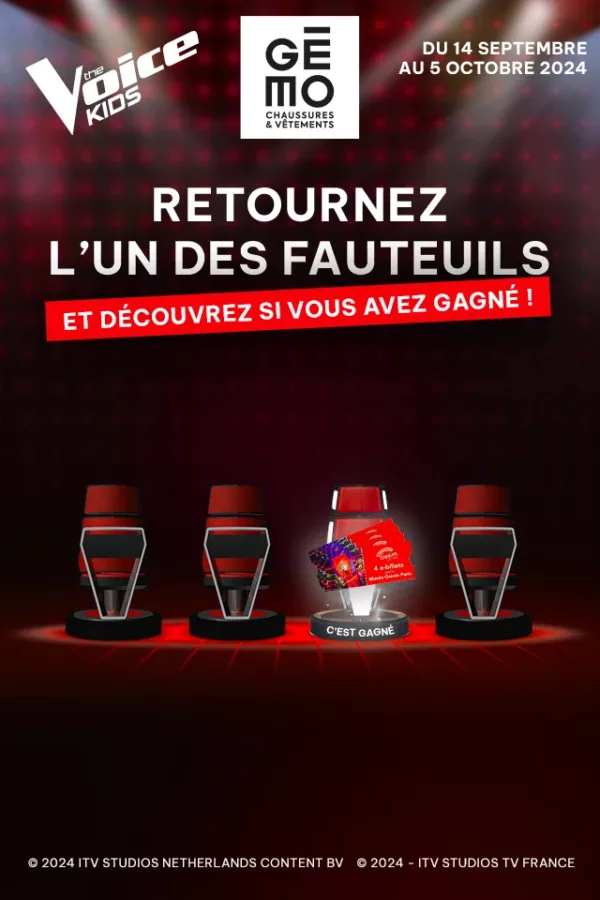
Flip and Win boosts your marketing performance with a simple, instant mechanism: participants flip items to reveal a prize or discover branded content.
Why launch a Flip and Win?
- Quick and engaging experience
- 100% customizable mechanics
- Conversion and collection lever
- Smooth distribution across all your channels
Flip and Win boosts your marketing performance with a simple, instant mechanism: participants flip items to reveal a prize or discover branded content.
Why launch a Flip and Win?
- Engaging experience: participants flip items to try their luck, creating immediate and captivating interaction
- Customizable mechanics: elements to be returned, endowments, everything is modular to adapt to your objectives and your brand universe.
- Conversion and collection lever: the surprise effect creates a favorable environment for conversion and data collection (e.g., product preferences expressed through selected items).
- Seamless distribution across all your channels: website, mobile app, display, e-commerce pop-ins, social media, or interactive kiosks.
Advanced customization
Adapt the mechanics to your needs for a unique experience
Game settings
Visual personalization
- 1 to 10 items to return
- Design of elements to be returned (product highlights, prizes to be won, etc.)
Test the mobile version
of the game by scanning
the QR code
3
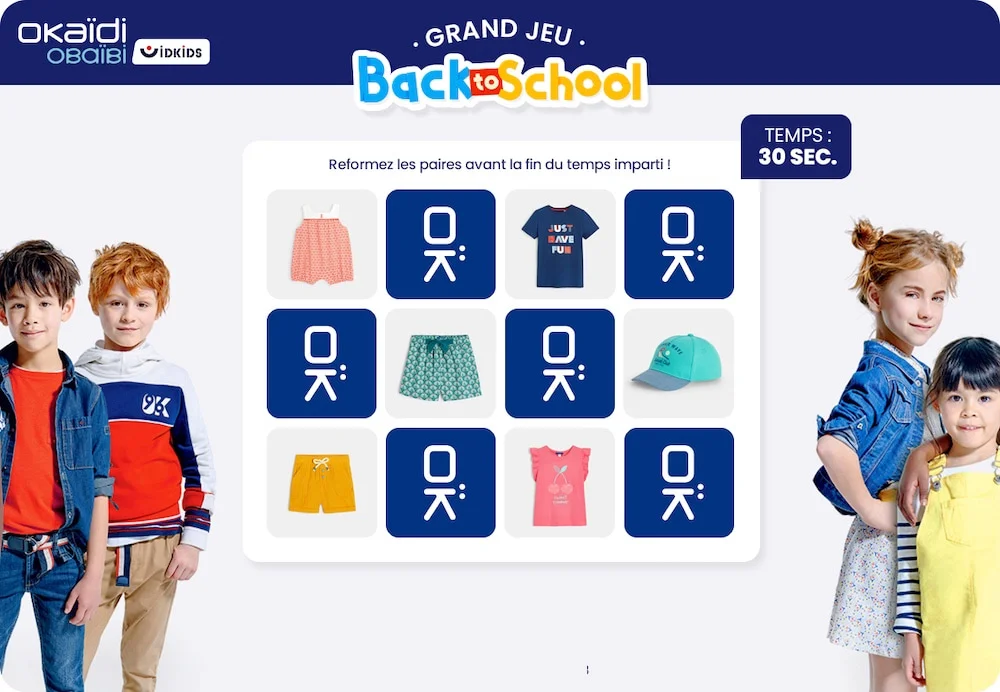
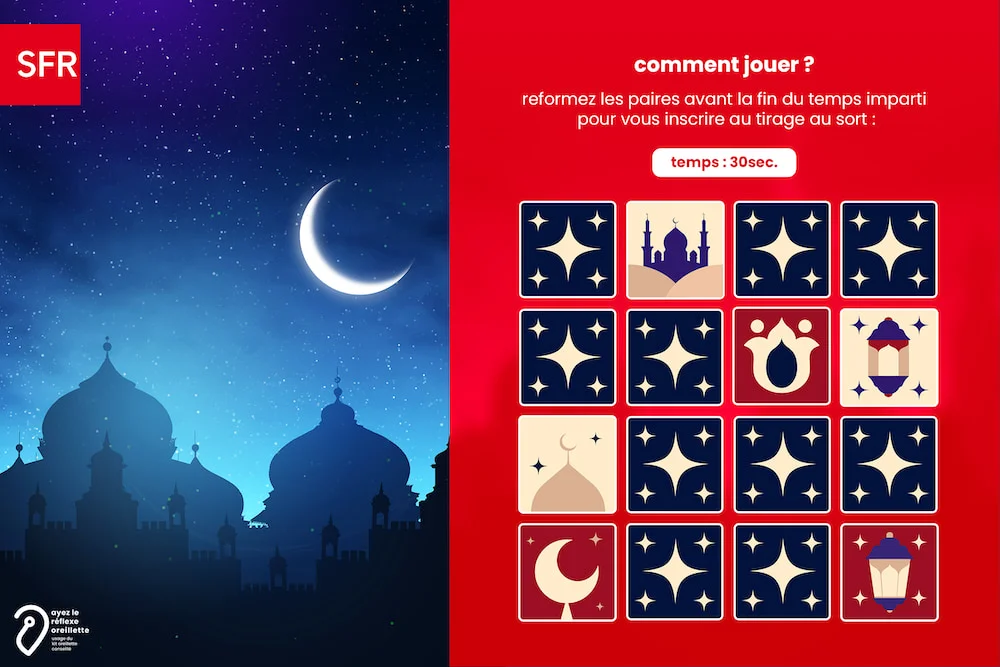
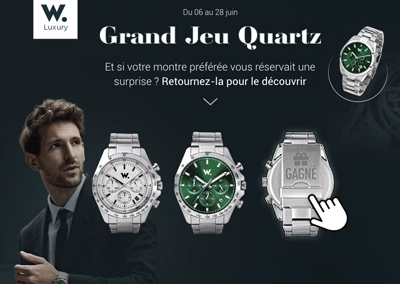
Examples of Flip and Win campaigns
More than 200 brands trust us
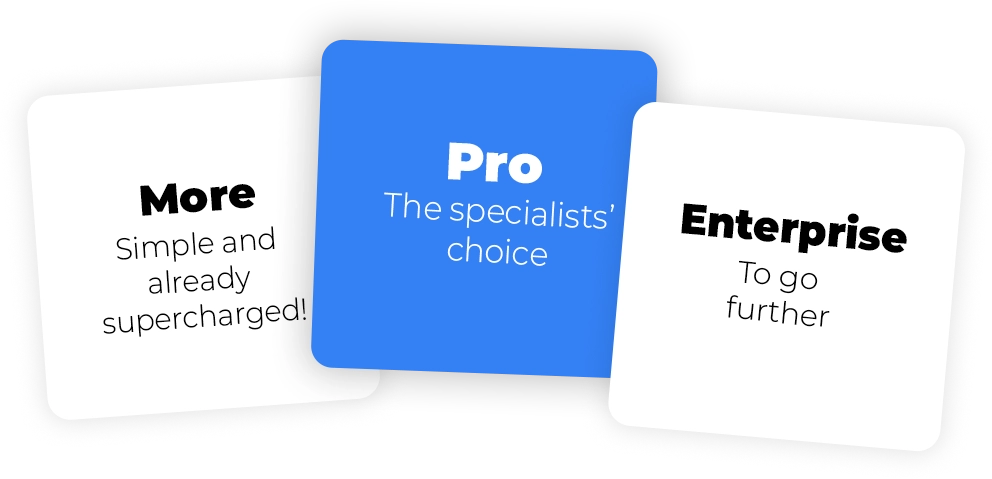
Flexible plans
tailored to your needs
Whether you are a beginner or an interactive marketing specialist, our range of prices will meet your marketing objectives.
Adictiz, the platform to achieve
your marketing goals
by Julien Pirson | Jan 16, 2026
Engage your audiences with a creative format that enhances your brand
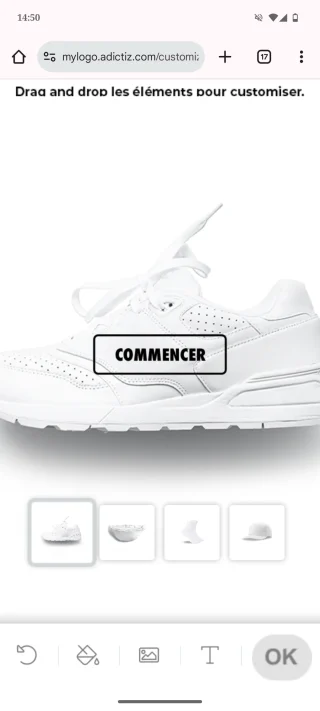
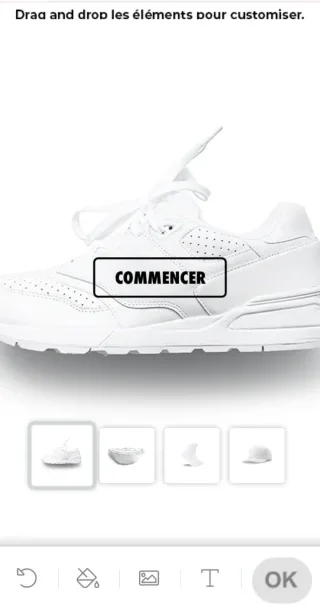
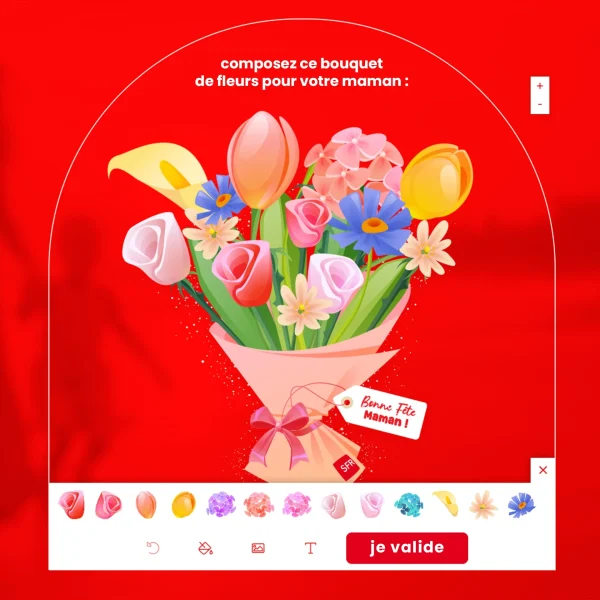
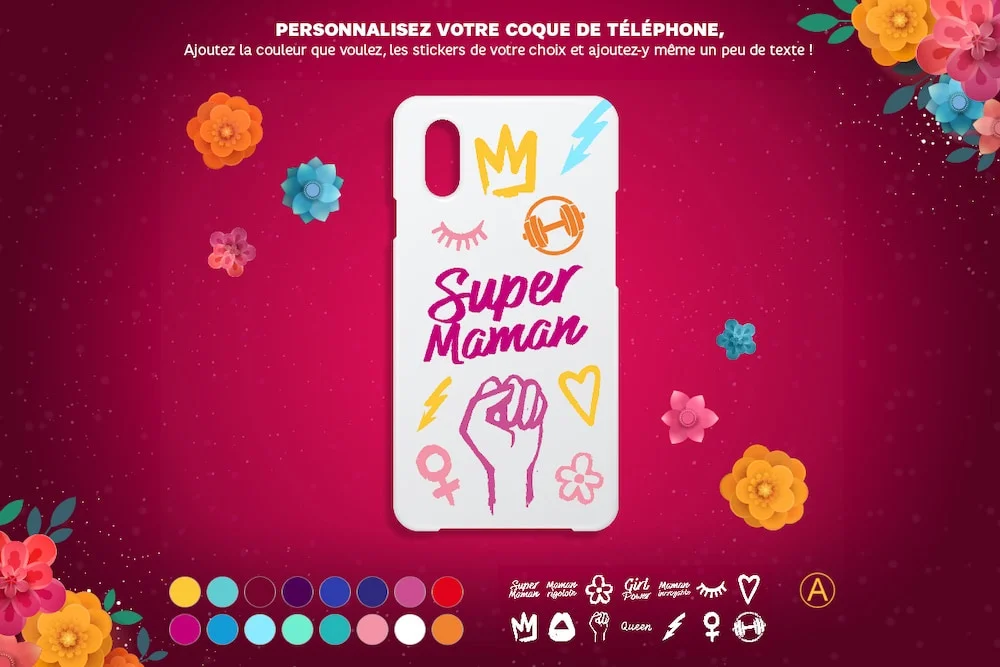
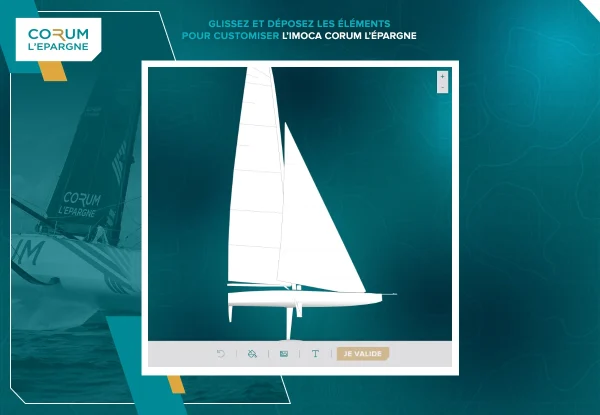
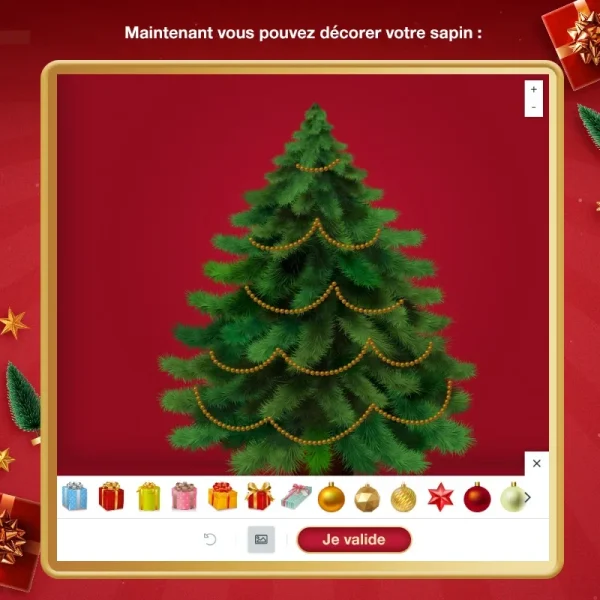
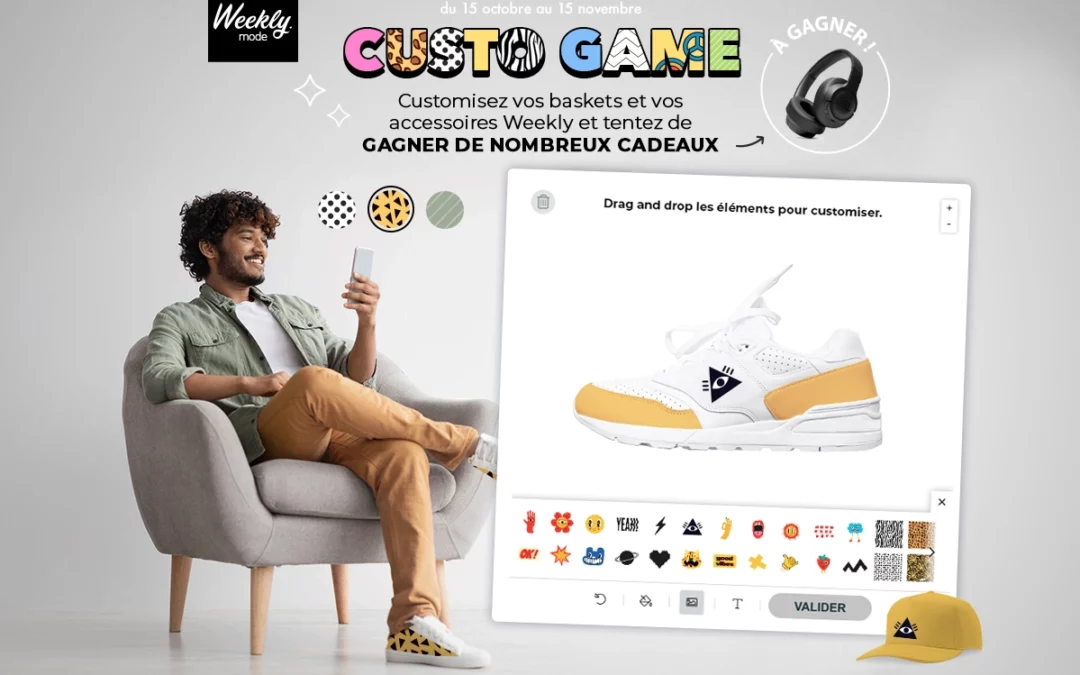
The Customizer is a creative tool that allows your audiences to personalize a visual with colors, text or icons. Whether it’s showcasing an existing product, imagining an ideal one, or playfully transforming an image, the possibilities are endless. This interactive format is also a powerful performance driver. It helps qualify your audiences and boosts engagement.
Why launch a Customizer?
- Awareness and engagement
- Qualification
- Commitment
- Multi-format distribution
The Customizer is a creative tool that allows your audiences to personalize a visual with colors, text or icons. Whether it’s showcasing an existing product, imagining an ideal one, or playfully transforming an image, the possibilities are endless. This interactive format is also a powerful performance driver. It helps qualify your audiences and boosts engagement.
Why launch a Customizer?
- Awareness and engagement: an original and creative experience tailored to your target audience, showcasing your brand universe or products;
- Qualification: collect valuable insights on your customers’ tastes and expectations to identify trends and preferences;
- Engagement: a participatory format that generates authentic user-generated content and involves your audience in creating value;
- Multi-format distribution: deploy your campaigns on your website, social media, or mobile app to maximize their impact.
Advanced customization
Adapt the mechanics to your needs for a unique experience
Game settings
- Customize pages and game path
- Customize form(s)
- Layer management (customizable elements divided into distinct areas).
Visual personalization
- Customization of various products
- A selection of fonts, colors, stickers, patterns, and other customizable graphic elements available to participants;
- Customizer interface design
Test the mobile version
of the game by scanning
the QR code
3
Examples of Customizer campaigns
More than 200 brands trust us
Flexible plans
tailored to your needs
Whether you are a beginner or an interactive marketing specialist, our range of prices will meet your marketing objectives.
Adictiz, the platform to achieve
your marketing goals
by Audrey Edart | Jan 16, 2026
Boost your brand awareness and showcase your products or offers
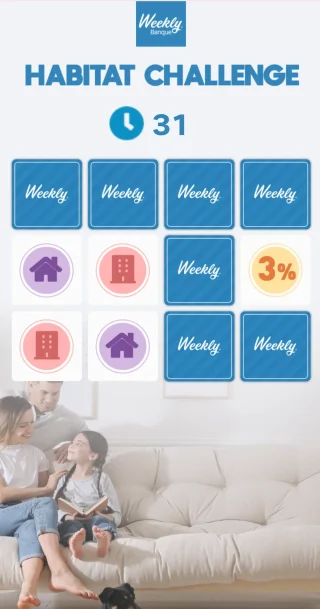
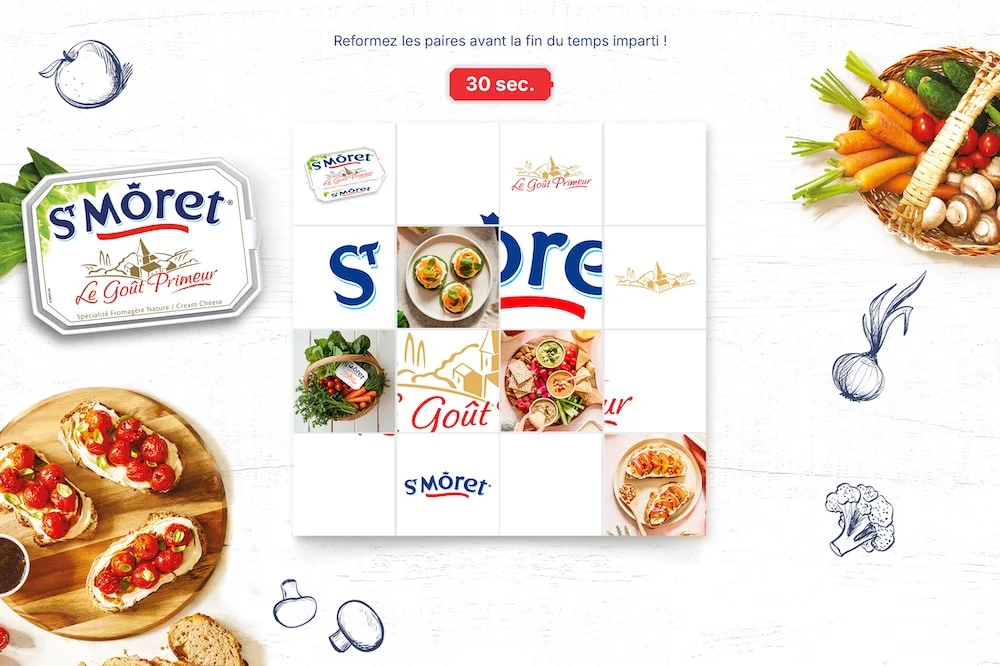
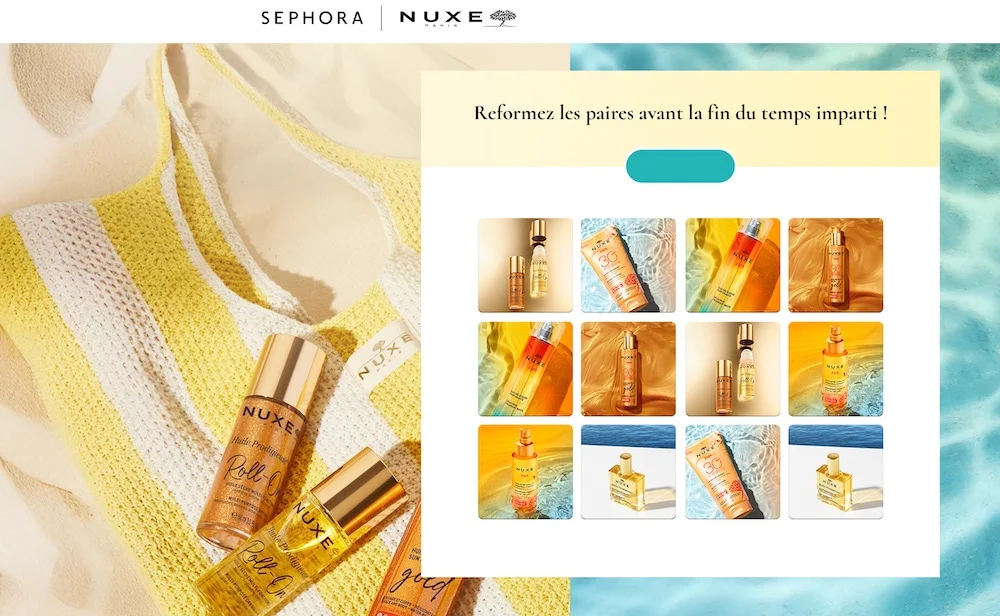
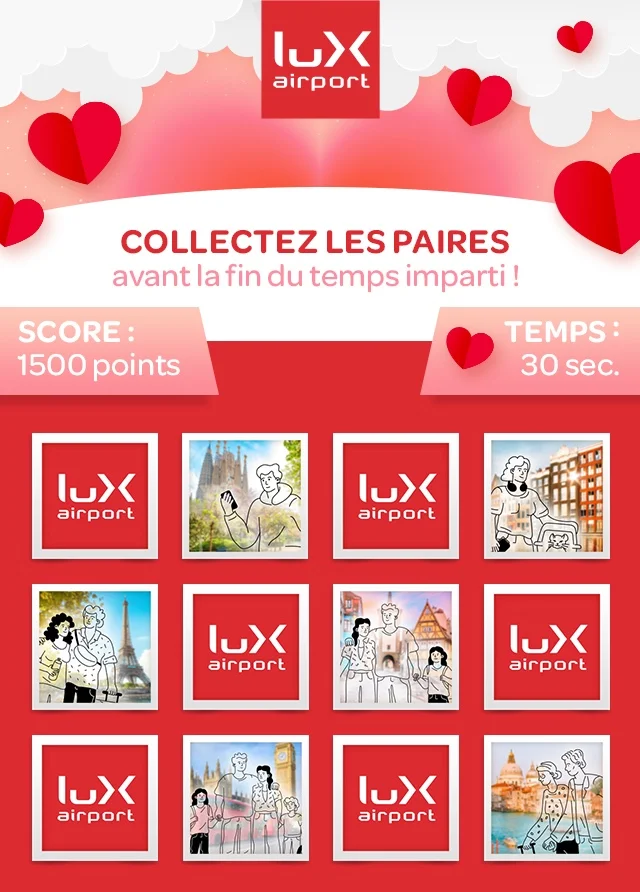
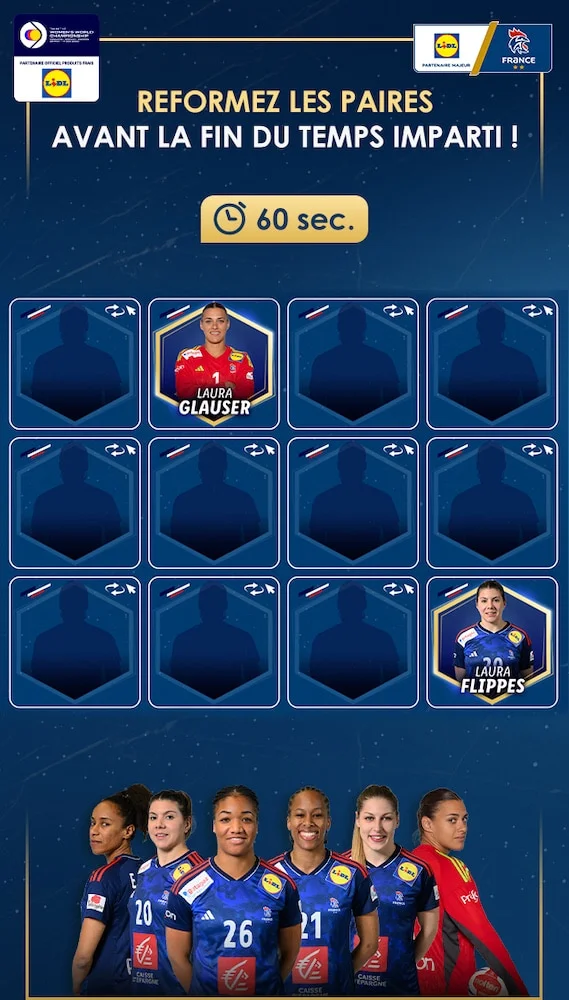
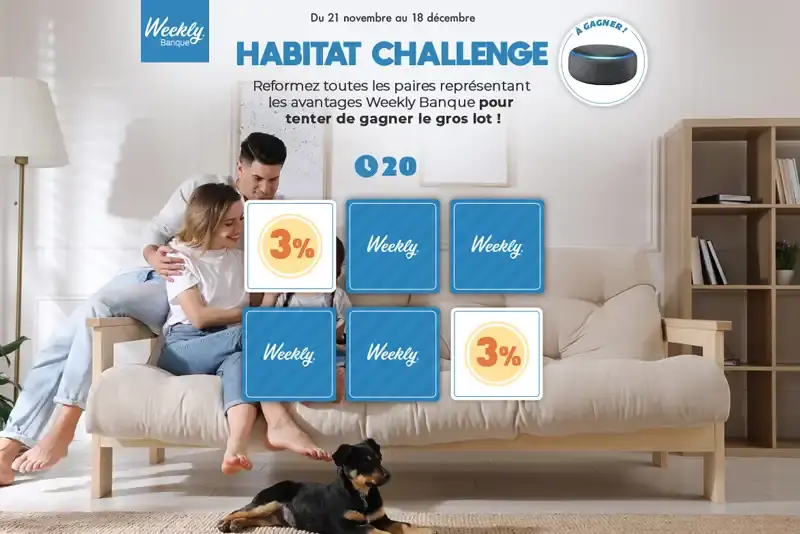
Memory is a timeless memorization game that involves finding matching pairs of cards from a set of face-down cards. Its simplicity and accessibility make it an engaging mechanic, ideal for capturing attention, enhancing recall, and showcasing your products or brand universe.
Why launch a Memory?
- Simplicity and accessibility
- Awareness and engagement
- Lead generation
- Multi-format integration
Memory is a timeless memorization game that involves finding matching pairs of cards from a set of face-down cards. Its simplicity and accessibility make it an engaging mechanic, ideal for capturing attention, enhancing recall, and showcasing your products or brand universe.
Why launch a Memory?
- Simplicity and accessibility: an intuitive format that appeals to all audiences and ensures a smooth experience;
- Awareness and commitment: your visuals integrated into the cards reinforce memorability, while the prizes stimulate participation;
- Lead generation: collect qualified data, segment it and activate it through the platform;
- Multi-format integration: website, social networks, mobile application, playable ads, e-commerce pop-in or interactive kiosk;
Advanced customization
Adapt the mechanics to your needs for a unique experience
Game settings
- Customize pages and game path
- Customize form(s)
- Adjustable difficulty (from easy to hard, timer)
- Ability to display an image or message each time a pair is found to enhance product promotion.
Visual personalization
- Adjustable number of cards according to the desired level of complexity
- Card visuals (showcasing the brand universe)
Test the mobile version
of the game by scanning
the QR code
3
Examples of Memory campaigns
More than 200 brands trust us
Flexible plans
tailored to your needs
Whether you are a beginner or an interactive marketing specialist, our range of prices will meet your marketing objectives.
Adictiz, the platform to achieve
your marketing goals